Seoul eSIM
Seoul runs on some of the fastest, most complete mobile networks on earth, so getting online is the easy part. The twist is which apps you use once you are: Google Maps is limited here, and the city really runs on Korean apps. Here is how to stay connected in Seoul, and navigate it like a local.
Yes, superbly. A South Korea eSIM installed before you fly is online the moment you land at Incheon, on among the world's fastest 5G. Korea is not in any roam-free zone, so roaming from abroad can be pricey, and an eSIM gives a clear price with no ID. One heads-up: Google Maps is limited in Korea, so you will want the local apps below. For a week, 6 to 10 GB is comfortable.
Staying online in the capital of speed
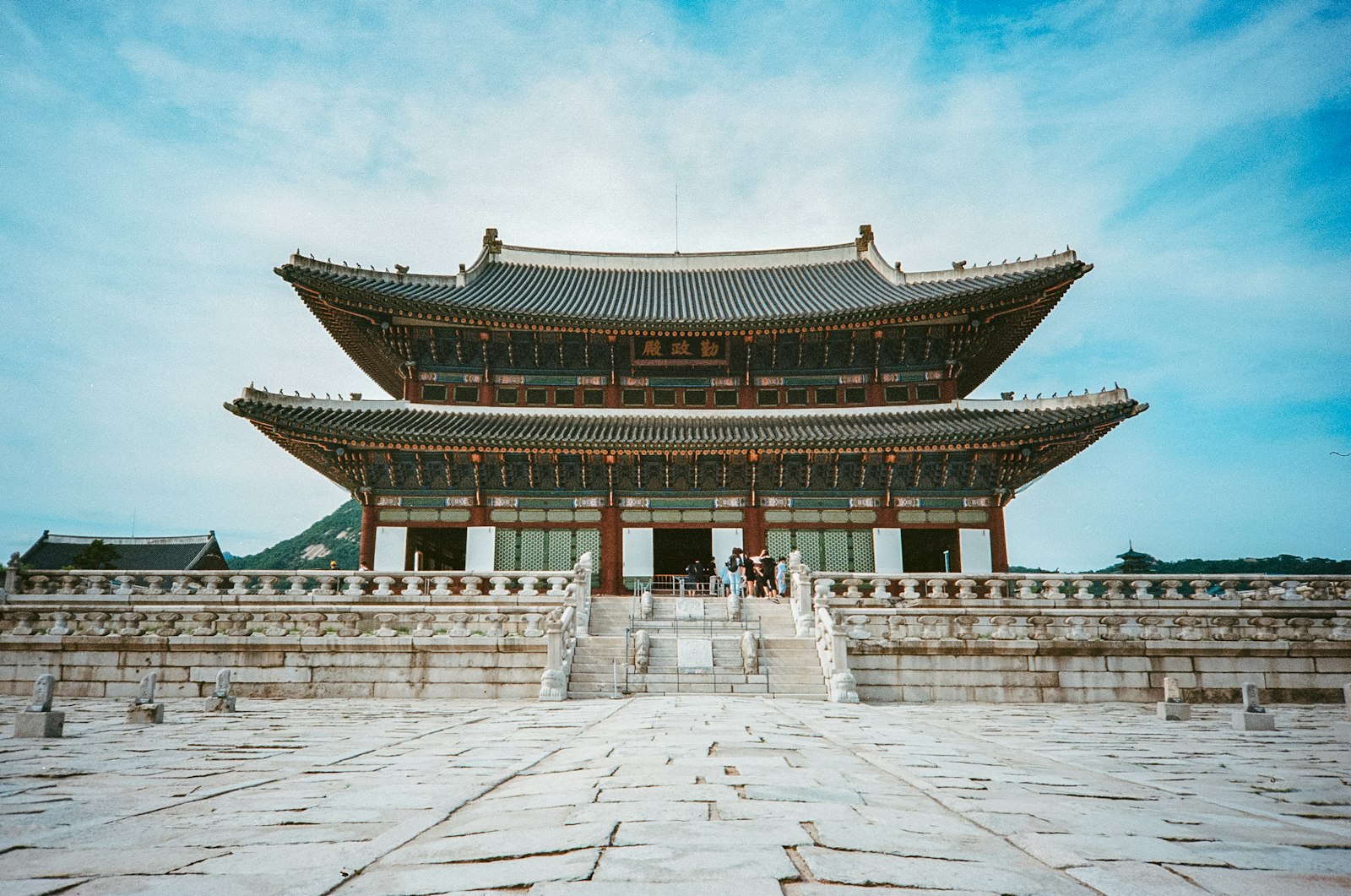
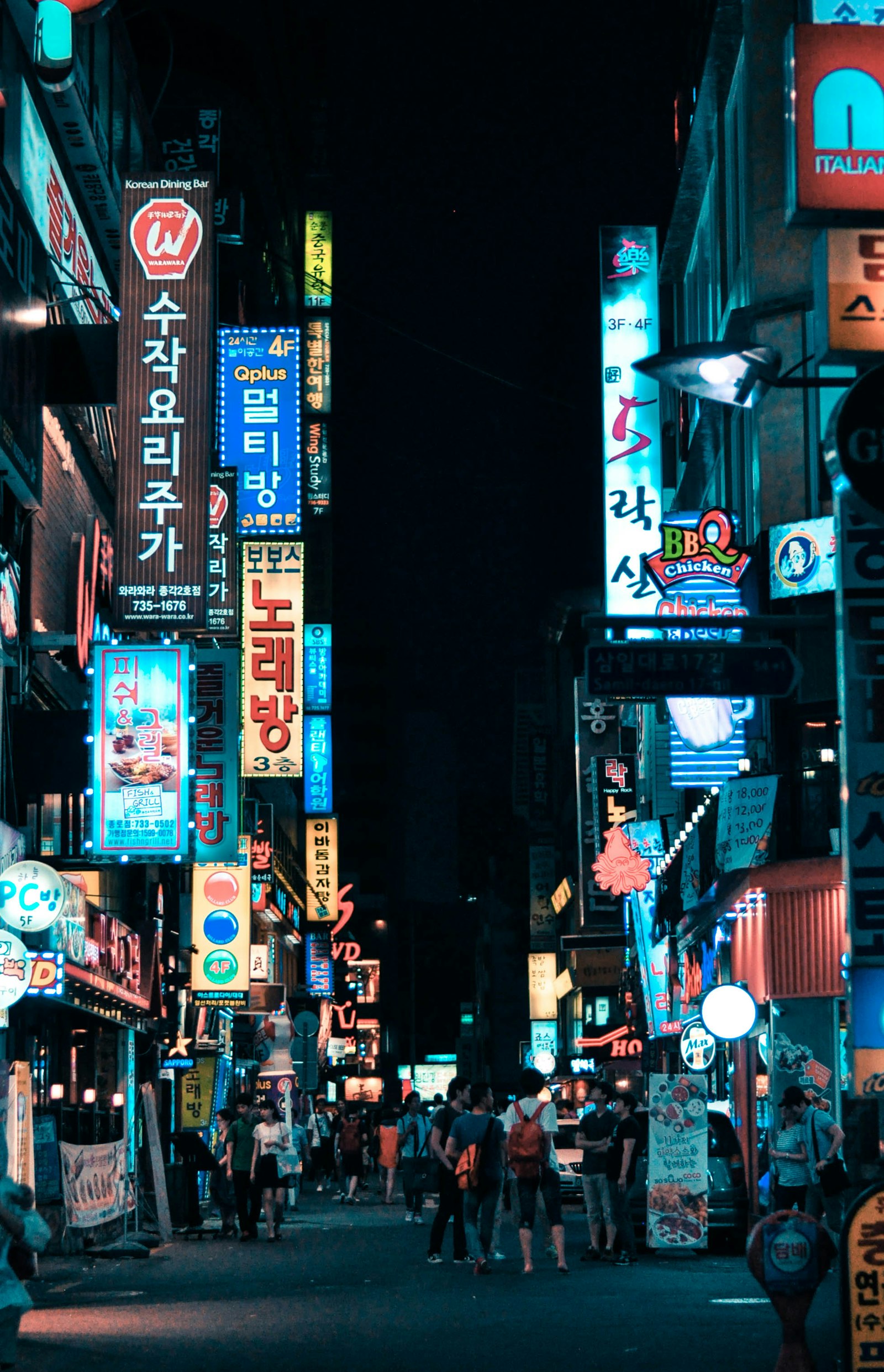
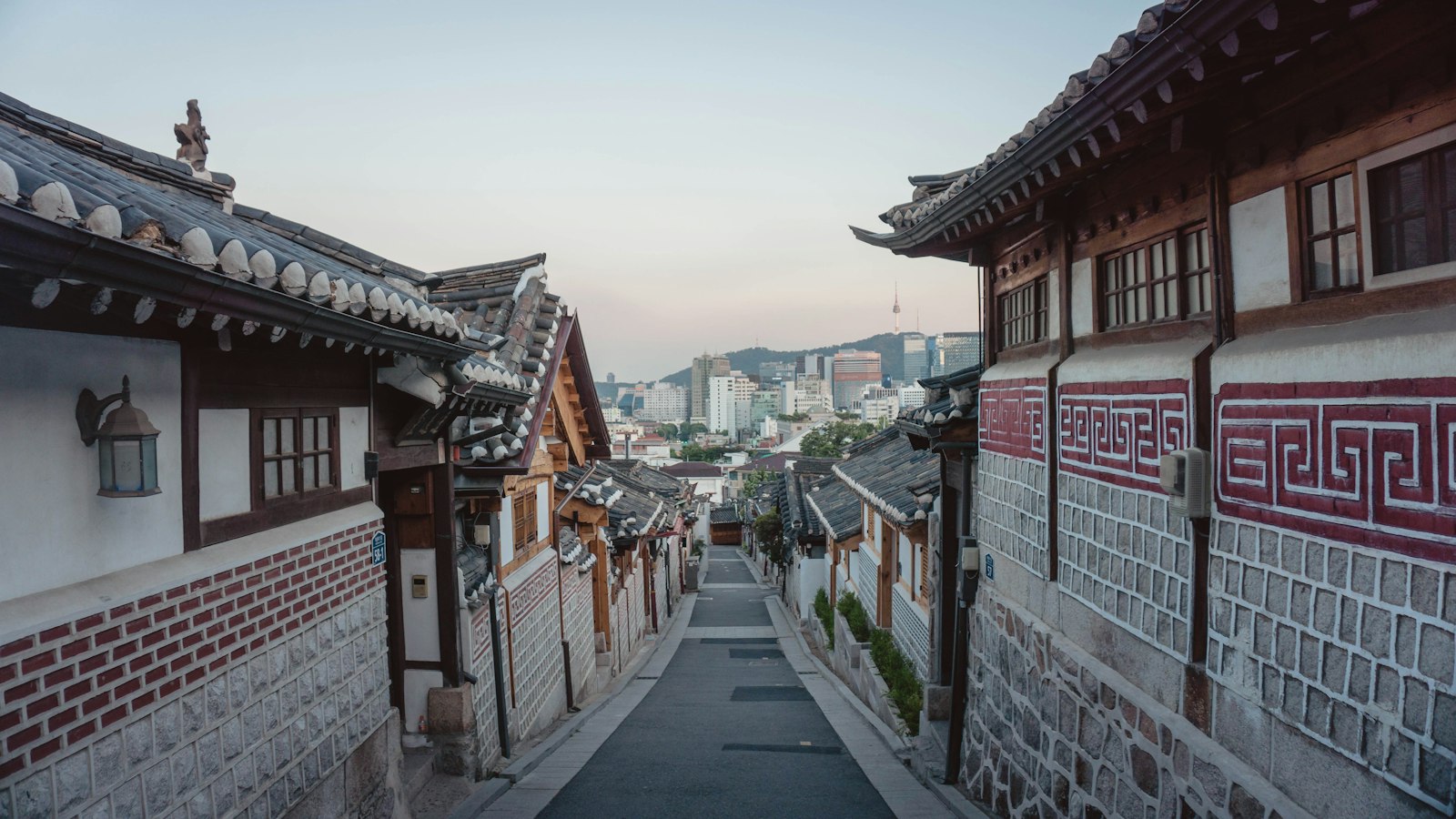
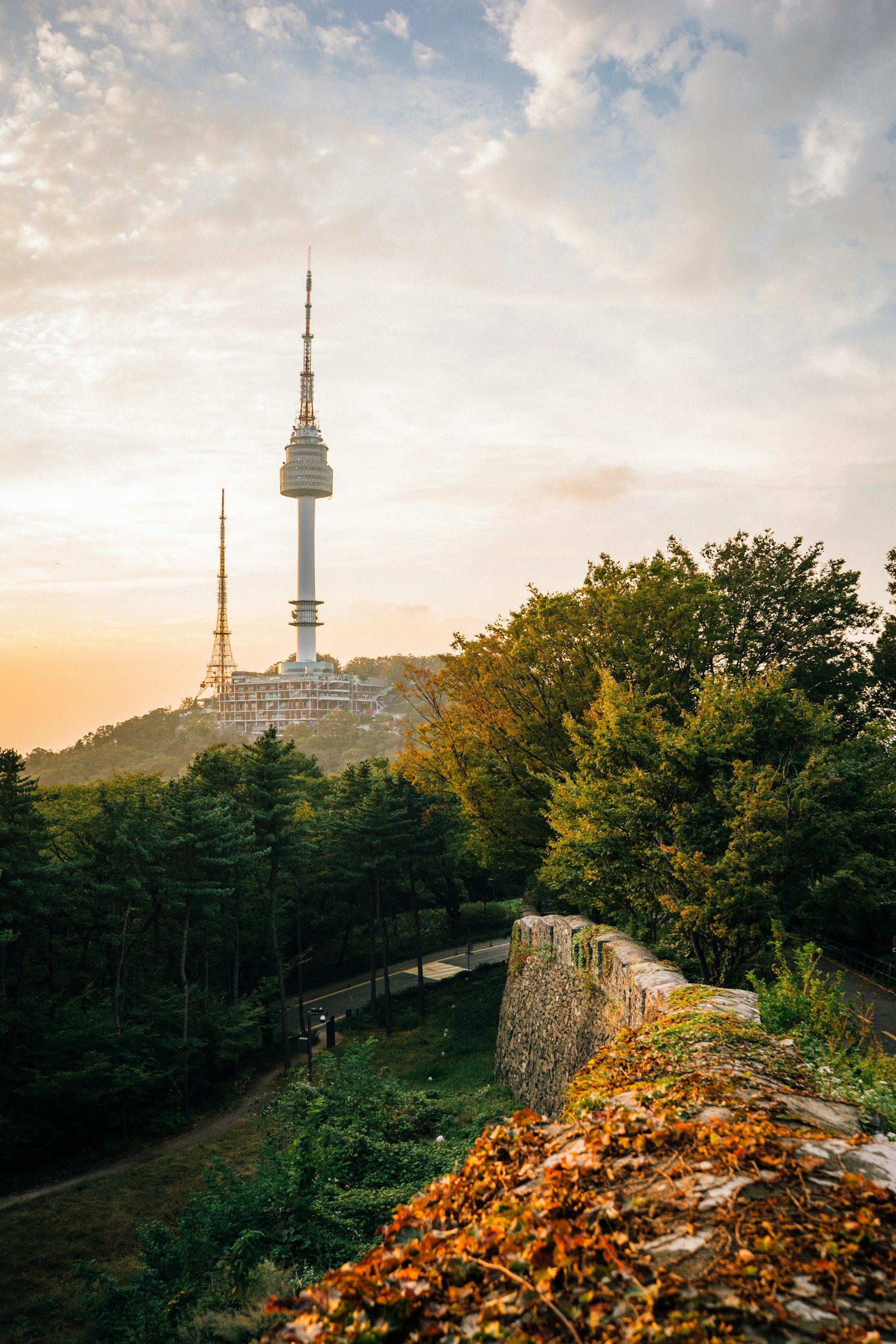
Seoul is huge, hyper-modern, and gloriously layered: palaces and hanok lanes on one block, neon and skyscrapers on the next, all wired together by a superb subway. Being online is effortless here, and it is how you keep up, from ordering at a screen-only restaurant to catching the right subway exit among twelve, and translating a menu on the fly.
How to get connected in Seoul
Coverage in Seoul is world-leading. You get exceptionally fast 5G island-wide, deep in the subway, the malls, and at both airports, on the Korean networks SK Telecom, KT, and LG U+. A travel eSIM roams onto them automatically. There is essentially nowhere in the city you will not have strong signal, including underground.
Choose a South Korea eSIM and pay in crypto, with no card and no ID.
Scan the QR from your dashboard before you leave home.
It activates at Incheon or Gimpo, ready for the AREX train into the city.
The apps that run Seoul
Here is the thing to know before you arrive: Google Maps does not give full walking and driving directions in South Korea, for long-standing mapping-data reasons. It works for public-transit routing, but for getting around on foot you will want the local apps, which are excellent and have English modes.
The essentials: Naver Map or KakaoMap for navigation, KakaoTalk for messaging (it is what everyone uses), KakaoT to call a taxi, and Papago for translation, which handles Korean far better than most. Install them before you go, sign in over your eSIM data on arrival, and Seoul opens right up.
Neighbourhoods to know in Seoul
The subway makes all of these easy; pick your vibe.
Myeongdong & Jung-gu
Central, buzzing, and packed with shopping, street food, and hotels, within reach of the palaces. The easy first-timer base.
Hongdae
The youthful, arty district around the universities: live music, indie cafes, and nightlife that runs late.
Gangnam
Sleek, upscale, and business-like south of the river, with high-end dining, shopping, and beauty clinics.
Bukchon & Insadong
Traditional Seoul: hanok houses, tea rooms, galleries, and craft shops between the two big palaces.
Easy day trips from Seoul
The DMZ
The tense border with North Korea, on a half or full-day guided tour from the city.
Nami Island
Tree-lined lanes and the Garden of Morning Calm, about 90 minutes northeast.
Everland or Suwon
Korea's biggest theme park, or the great fortress walls of Suwon, both an easy day out.
Getting around Seoul
The subway is fast, cheap, spotless, and signed in English. Buy a T-money card (from any convenience store) and tap onto the subway and buses, or use KakaoT to hail a taxi. Because Google Maps is limited, let Naver Map or KakaoMap do the routing, and with strong signal underground you always know the next train and the right exit.
Practical tips
There is no tipping culture in Korea; the price is the price.
Cafes are everywhere and 24-hour convenience stores are a food group. Go cashless.
A little Korean and Papago go a long way; English fades fast outside the centre.
Best time to visit Seoul
Spring, Apr-May
Cherry blossom and mild days. Beautiful, and one of the two best windows.
Summer, Jun-Aug
Hot, humid, and the rainy season in July. Lively, but sticky.
Autumn, Sep-Oct
Crisp air and blazing foliage. Arguably the finest time to visit.
Winter, Nov-Feb
Cold and dry, with the odd snowfall and, at last, ski trips within reach.
Why travellers choose SimVala
4.8from 39,452 verified reviews“Got a number for business use. The activation was quick and I didn't have to contact support.”
“I was in Europe for two weeks and used the eSIM instead of roaming with my Canadian SIM. Much simpler.”
“Landed in Italy late at night and didn't want to find a shop. Had the eSIM ready already.”
“Needed a separate number for a few weeks. The whole process was quite simple.”
“Used the VoIP service for work calls. Took a little time to get everything set up, but works well now.”
“Bought it for a weekend in Albania. Installed it before leaving Zagreb and had no problems.”
“I mainly use it for data when travelling. So far the service has been reliable.”
“Didn't want another physical SIM. The QR setup was quick and I was connected pretty much immediately.”
“Used it while moving between a few countries. Nice not having to change SIM cards every time.”
Seoul eSIM & travel FAQ
Does an eSIM work in Seoul?+
Yes, and brilliantly. A South Korea eSIM roams onto the local networks (SK Telecom, KT, LG U+) and gives you among the fastest 5G in the world, everywhere including deep underground. It activates the moment you land.
Does Google Maps work in Seoul?+
Only partly. Google Maps handles public-transit routing but cannot give full walking or driving directions in South Korea. Use Naver Map or KakaoMap instead, which are excellent and have English modes.
What apps do I need for Seoul?+
Naver Map or KakaoMap for navigation, KakaoTalk for messaging, KakaoT to hail a taxi, and Papago for translation. Install them before you fly and sign in over your eSIM data when you land.
How much data do I need in Seoul?+
For a week of maps, translation, messaging, and the odd video call, 6 to 10 GB is comfortable. Heavy hotspotting runs higher, and you can top up any time.
Will my eSIM work at Incheon airport?+
Yes. It activates at Incheon (ICN) and Gimpo (GMP), so you are online for the AREX train or a bus into the city the moment you land.
Is there signal on the Seoul subway?+
Yes, excellent signal throughout, including deep underground and in tunnels. Korea's networks are among the most complete anywhere.
When is the best time to visit Seoul?+
Spring (April to May) for cherry blossom and autumn (September to October) for foliage are the two ideal windows. Summer is hot and rainy; winter is cold and dry.
Is Seoul safe for travellers?+
Seoul is one of the safest big cities in the world, with very low crime. Normal common sense is more than enough.
Ready for Seoul?
Install a South Korea eSIM before you fly and land already online, paid in crypto with no ID.