South Korea eSIM
AsiaGet a South Korea eSIM and connect the moment you land. Buy a prepaid data plan, scan the QR, and you are online in minutes, with no roaming bill and no local SIM to find. Pay in crypto with no ID to buy. Plans start at $1.09.
- Instant delivery to your dashboard
- Prepaid, no contract, no auto-charge
- Works on any eSIM-ready phone
- Paid in crypto, no card or ID to buy
South Korea eSIM at a glance
Live prices, updated October 2026- Price
- From $1.09
- Data plans
- 1 GB to Unlimited
- Validity
- 3 to 30 days
- Networks
- SK Telecom, KT
- 5G
- Yes, where available
- Setup
- Scan a QR, ~2 min
- Payment
- Crypto
- ID to buy
- None
Choose your plan
Pick a data plan for a set number of gigabytes, a daily plan with fresh data every day, or an unlimited plan so you never think about data.
Data plans
Choose your gigabytes. Best value if you know roughly what you use.
Daily plans
1 GB of full-speed data every day of your trip. After that, you stay online at a slower speed that still works for messaging and maps, and full speed returns the next day.
Unlimited plans
Never watch your data. Just pick how long your trip is.
Prices are in USD and payable in crypto. No contract and no auto-renewal, and any balance you do not use stays on your account for next time.
Turning on roaming can cost $10 or more a day. A whole South Korea trip starts at $1.09.
See the plansWhy an eSIM for South Korea
South Korea runs among the fastest and most widely adopted 5G networks on Earth, so an eSIM here is not just convenient, it is genuinely quick, uploading photos, running translation, and streaming the moment you land at Incheon. Coverage reaches almost everywhere you will go, deep into the subway and out on the KTX.
It also skips the paperwork. A local Korean SIM asks foreigners to register with a passport, sometimes an alien registration card. An eSIM is a QR you scan before you fly, with no ID and no counter, paid from your crypto balance. Your home number stays on its own SIM for calls and bank codes.
- Among the fastest, most widely adopted 5G anywhere.
- Skips the passport registration a Korean SIM asks foreigners for.
- Connect on arrival at Incheon, Gimpo, or Busan.
- One plan covers Seoul, Busan, and Jeju.
Is a South Korea eSIM right for you?
Whoever you are travelling as, the setup is the same: buy, scan, connect. Here is what it means for you.
South Korea eSIM vs a Korean tourist SIM vs roaming
A physical Korean SIM means a counter and, for foreigners, registering with your passport before it works. Here is how the options compare.
SimVala eSIM
- Ready before you flyYes
- Passport registrationNo
- Online the moment you landYes
- Top 5G speedsYes
- Pay in cryptoYes
- Typical cost, 1 weekA few dollars
Korean tourist SIM
- Ready before you flyNo, counter on arrival
- Passport registrationYes, for foreigners
- Online the moment you landAfter the counter
- Top 5G speedsYes
- Pay in cryptoNo
- Typical cost, 1 weekAround 20,000 to 40,000 KRW
Home roaming
- Ready before you flyYes, but pricey
- Passport registrationNo
- Online the moment you landYes
- Top 5G speedsOften throttled
- Pay in cryptoNo
- Typical cost, 1 weekOften 10+ dollars a day
Foreign visitors are generally asked to register a Korean SIM with a passport. Costs are rough guides, not quotes.
Coverage and networks in South Korea
Depending on the plan, your eSIM connects to a major Korean network such as SK Telecom, KT, or LG U+. All three run some of the fastest 5G in the world with near-total coverage, so data in Seoul and Busan is excellent, and stays strong on the subway and the KTX.
Expect strong eSIM coverage in Seoul, Busan, Jeju, with data across the rest of South Korea. Signal follows the local network, so it is strongest in cities and along main routes.
Your eSIM roams on a major local network:
Coverage by area
Blazing coverage across Seoul, Busan, and Incheon, their streets, malls, and stations, and unusually deep signal throughout the subway network.
Strong along the KTX lines linking Seoul, Daejeon, Daegu, and Busan, so a 300 km/h ride stays online almost the whole way.
Good across Jeju Island and the coasts on the same plan, thinning only high on Hallasan and in remote mountain terrain.
How much data do you need in South Korea?
Whether your South Korea trip is 7 days, 2 weeks, or a month, pick the data size to match. Not sure? Slide your trip length below and we will suggest a plan.
Korea travel leans on maps, translation, transit, and social, plus a lot of photos and video to the cloud given how fast the network is. For a one to two week trip, 5 to 10 GB suits most people. Add more if you stream, vlog, or hotspot a laptop.
Estimate your data for South Korea
Social, photos, some video
An estimate to guide you, not a limit. Wi-Fi at your hotel covers a lot, and you can top up any time, so it is fine to start smaller.
Typical usage per hour
Using an eSIM in South Korea's top cities
One South Korea eSIM covers all of these. Here is what to expect, city by city.
eSIM in Seoul
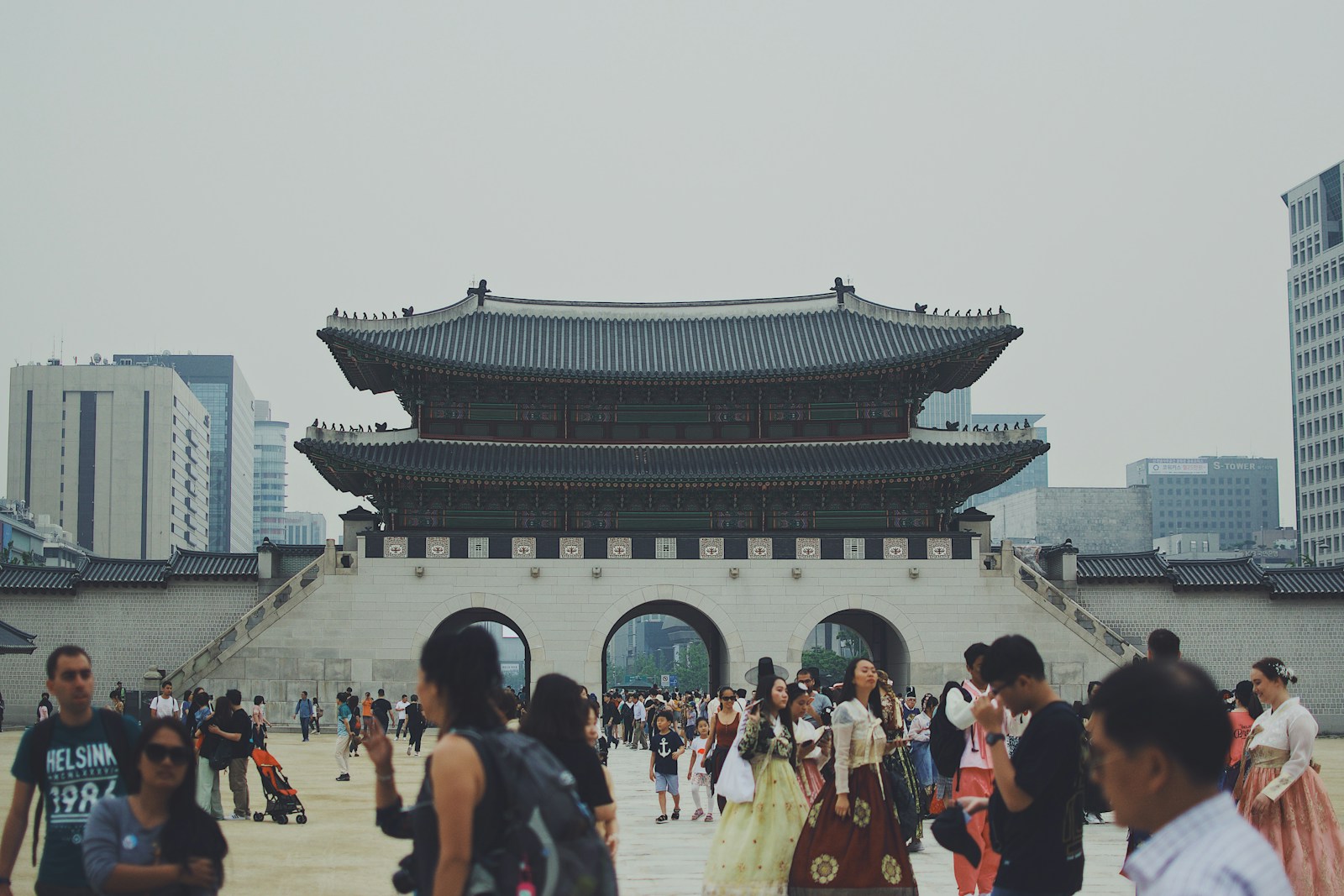
Blazing 5G from Gyeongbokgung and Bukchon to Gangnam and Hongdae, and deep in the subway where the signal rarely drops. Your eSIM keeps Naver Map, KakaoTalk, and the T-money transit apps running as you cross the city.
Read the Seoul guideeSIM in Busan
Fast, reliable coverage along Haeundae and Gwangalli beaches, through the Jagalchi market, and up to the Gamcheon village viewpoints. Handy for maps, translation, and sharing the coast at dusk.
eSIM in Jeju
Strong coverage across the island on the same plan as the mainland, from the beaches and Seongsan Ilchulbong to the Hallasan trailheads, thinning only high on the volcano.
Yes, you can call and text in South Korea
Your eSIM is internet. So every calling and messaging app works, just like at home. No new apps to learn, nothing to set up.
Message anyone
KakaoTalk, iMessage, WhatsApp all run over your data.
Call home for free
Voice and video on WhatsApp, FaceTime, or Messenger, no call charges.
Need a real number?
A data eSIM has no number of its own. Add a virtual number for codes and a local line.
Grab a South Korea number before you fly
Get login codes and a real line to give out, all in your dashboard. Paid in crypto, no ID.
Pay for your South Korea eSIM in crypto
This is where SimVala is different. There is no card and no ID to buy. Top up a balance with any of nine coins, then buy your South Korea plan from it. Monero is accepted for the strongest privacy, and your QR lands in your dashboard the moment payment confirms.
 Bitcoin
 Monero
 Ethereum
 Tether
 USD Coin
 Solana
 BNB
BNB TRON
TRON Polygon
Pay by QR in one scan
No card details, ever. Just scan and send.
- 1. Pick your coin and amountWe show a payment address and a QR code.
- 2. Scan and send from your walletThe quote holds for 15 minutes, no fee maths.
- 3. Balance ready, buy your planYour eSIM QR lands in your dashboard right away.
Set up your South Korea eSIM in about two minutes
No SIM to pop out, nothing to post. It works the same on iPhone and Android. Here is all it takes.
- 1Buy your plan
Pick a plan above and pay from your crypto balance. A few taps and it is done.
- 2Open your QR code
The moment your order completes, your eSIM QR appears in your dashboard.
- 3Add the eSIM in Settings
iPhone: Settings, then Cellular, then Add eSIM. Android: Settings, then Network, then Add eSIM. Scan the QR.
- 4Turn it on and land online
Switch the line on when you land at Incheon or Gimpo, and you are online in seconds.
This is your eSIM QR. You scan it once, and your South Korea line turns on. That is the whole install.
Will it work on your phone?
Most phones from the last few years support eSIM. Not sure? Scan your device in one tap.
Good to know
- •Speeds and coverage are excellent nationwide, including deep in the subway and on the KTX high-speed rail, where many networks would drop.
- •An eSIM avoids the passport registration a local Korean SIM asks foreign visitors to complete before it activates.
- •One Korean plan covers the mainland and Jeju Island on a single profile.
- •The eSIM carries data. Keep your home SIM active for calls and bank codes.
Popular in South Korea

Why travellers choose SimVala
4.8from 39,452 verified reviews“Got a number for business use. The activation was quick and I didn't have to contact support.”
“I was in Europe for two weeks and used the eSIM instead of roaming with my Canadian SIM. Much simpler.”
“Landed in Italy late at night and didn't want to find a shop. Had the eSIM ready already.”
“Needed a separate number for a few weeks. The whole process was quite simple.”
“Used the VoIP service for work calls. Took a little time to get everything set up, but works well now.”
“Bought it for a weekend in Albania. Installed it before leaving Zagreb and had no problems.”
“I mainly use it for data when travelling. So far the service has been reliable.”
“Didn't want another physical SIM. The QR setup was quick and I was connected pretty much immediately.”
“Used it while moving between a few countries. Nice not having to change SIM cards every time.”
Visiting more of Asia?
If South Korea is one stop of a bigger trip, our Asia eSIM covers it and 13 more countries on one plan, from $1.49.
eSIM in South Korea: FAQ
Does my phone support eSIM?+
Most phones from the last few years do, including recent iPhone, Samsung Galaxy, and Google Pixel models.
How do I pay?+
In crypto only: Bitcoin, Monero, USDT, USDC, Solana, and more.
When does my plan start?+
Your plan validity begins when you install and activate the eSIM, not when you buy it.
Will an eSIM work in South Korea?+
Yes, as long as your phone supports eSIM and is carrier unlocked. The eSIM connects to a local network in South Korea and gives you data the moment you arrive.
How much data do I need in South Korea?+
It depends on what you do. Maps and messaging use very little, while video and hotspotting use much more. For a typical one to two week trip, 3 to 5 GB suits most travelers, and you can top up any time.
Can I keep my phone number in South Korea?+
Yes. Your home number stays on your physical SIM for calls and codes, while the eSIM carries local data. Both work at once on a dual-SIM phone.
Can I buy my eSIM before I travel?+
Yes, and you should. Buy and install it before you fly, then switch the line on when you land in South Korea. Your plan's days only start counting when you activate it, not when you buy.
Does the plan expire?+
Each plan runs for a set number of days once you activate it, shown on the plan. Any balance you have not spent stays on your account for your next trip, so nothing is wasted.
Can I use my eSIM as a personal hotspot?+
On most plans, yes, so you can share your connection with a laptop or a friend. Tethering uses more data, so pick a larger plan if you rely on it.
Is an eSIM easier than a Korean SIM for tourists?+
Much easier. A local Korean SIM usually asks foreign visitors to register with a passport before it activates. An eSIM works the moment you land, with no registration, no counter, and no ID to buy.
How fast is the data in South Korea?+
Very fast. Korea runs among the quickest and most widely adopted 5G networks in the world, so uploads, video calls, and streaming feel effortless, even on the subway and the KTX.
Is coverage good on the subway and KTX?+
Yes. Korea has unusually strong coverage deep in the subway and along the high-speed rail, on any major network your eSIM connects to.
Does one plan cover Jeju Island?+
Yes. A South Korea plan covers the mainland and Jeju on one profile, so there is nothing to change when you fly to the island.
Is there an unlimited data plan for South Korea?+
Yes, an Unlimited 30-day plan, good for a longer stay or heavy uploading. Sized plans are the cheaper pick if you use less, and you can top up any time.
More for South Korea
Ready for South Korea?
Pay in crypto, scan the QR, and land connected. No card, no ID to buy. Set it up before you fly and you are online the second you arrive.